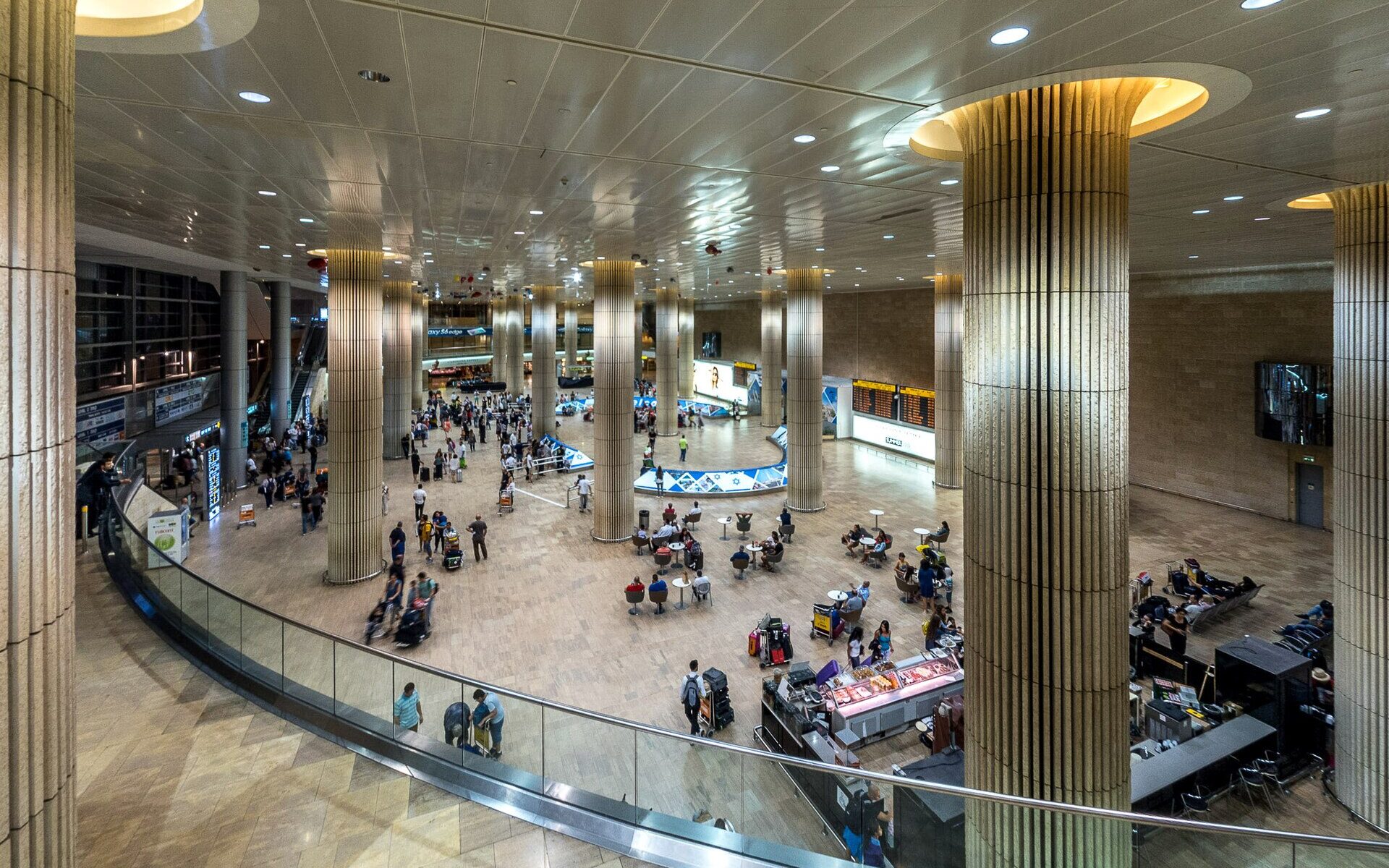
The first thing most people do after passport control at Ben Gurion is stand by the baggage belt, switch off flight mode and wait to see whether their phone finds a network. Whether it does, and what that costs, depends on a choice best made at home a few days earlier. An Israel eSIM is now the easiest answer for most visitors: you buy it online, scan a QR code and land with data already working. It isn’t the only answer, though, and it isn’t always the cheapest.
This guide compares the three realistic ways to stay connected in Jerusalem and around Israel: a travel eSIM bought before you fly, a local prepaid SIM from an Israeli network, and roaming on your home plan. It covers what each costs, which phones they work with, where coverage gets patchy (the Old City is one of those places, whatever network you’re on), what happens to your signal in Bethlehem or by the Dead Sea, and how much data a week of sightseeing really uses. eSIM and roaming prices were checked on the sellers’ and carriers’ own pages in November 2026; treat them as the right order of magnitude, because they change often.
Israel eSIM, Local SIM or Roaming: At a Glance
| Travel eSIM | Local Israeli SIM | Home-carrier roaming | |
|---|---|---|---|
| Where you buy it | Online or in an app, before you fly | A network’s shop or sales point in Israel | Nothing to buy; add a pass or plan at home |
| Typical cost for a week | About US$4 to US$27, depending on how much data | Check prices in the shop; local plans are sold by the month | Around US$12 a day on US day passes |
| Israeli phone number | Usually not; most are data only | Yes | No; you keep your own number |
| Phone must be | eSIM-capable and unlocked | Unlocked | As it is |
| Works the moment you land | Yes, if installed before departure | Only once you reach a shop | Yes |
| Best for | Most visitors on trips of up to a month | Longer stays, heavy users, anyone who needs a local number | Short trips where cost matters less than simplicity |
The Short Answer
If your phone supports eSIM and is not locked to your home carrier, buy a travel eSIM for Israel before you leave and install it while you still have home Wi-Fi. You’ll walk off the plane with data, you won’t spend your first hour in Israel looking for a phone shop, and for a typical week-long trip it costs less than a couple of airport coffees on the cheaper data plans. Keep your home SIM in the phone (switched to calls and texts only, with data roaming off) so bank codes and messages still reach you.
Go for a local SIM instead if you’re staying several weeks, if you need an Israeli number (for a landlord, a course, an employer or a local service that sends texts), or if your phone is old enough not to do eSIM. Use your home carrier’s roaming pass only if the convenience is worth paying for, or if your trip is so short that the difference is a few dollars.
Whatever you choose, don’t count on hotel and café Wi-Fi alone. Jerusalem is a city where you’ll use maps constantly, check the light rail, book taxis on an app and message a guide who’s waiting at the wrong gate. Data on the street matters.
Travel eSIMs for Israel
How an eSIM Works
An eSIM is a SIM profile you download rather than a plastic card you insert. You buy a plan from a travel eSIM seller, the seller gives you a QR code or an in-app install button, and your phone adds the profile as a second line. When you land, you switch mobile data to that line and turn on data roaming for it (the eSIM is technically roaming on an Israeli partner network, which is why the setting matters). Your physical home SIM stays in the phone the whole time.
Install it before you travel. Setup needs an internet connection, and the moment you most want data is the moment you don’t have any. Most sellers let you install days or weeks ahead and only start the clock when the phone first connects in Israel.
What Israel eSIMs Cost
Two of the big sellers show what the market looks like. Prices below are from their own Israel pages in November 2026, in US dollars.
| Seller and plan | Data | Valid for | Price |
|---|---|---|---|
| Saily | 1 GB | 7 days | US$3.99 |
| Saily | 3 GB | 30 days | US$5.99 |
| Saily | 5 GB | 30 days | US$7.99 |
| Saily | 10 GB | 30 days | US$11.99 |
| Saily | 20 GB | 30 days | US$16.99 |
| Airalo, unlimited | Unlimited | 3 days | US$12.50 |
| Airalo, unlimited | Unlimited | 7 days | US$26.50 |
| Airalo, unlimited | Unlimited | 15 days | US$48.00 |
| Airalo, unlimited | Unlimited | 30 days | US$69.00 |
The pattern is the same across the market: fixed-allowance plans are cheap, and “unlimited” costs several times more. For most visitors a fixed 5 to 10 GB is plenty for a week (see how much data you need, below), so unlimited is only worth it if you stream video, tether a laptop or simply don’t want to think about it. Unlimited plans often slow you down after a daily fair-use amount, so read the small print on the plan page before you pay.
If you’re combining Israel with Jordan or Egypt, a regional plan can be simpler than two separate eSIMs. Saily, for example, sells a Middle East and North Africa plan covering 18 countries, from US$9.99. Check that every country on your route is on the plan’s list before you rely on it.
What You Don’t Get
Most travel eSIMs are data only. You won’t get an Israeli phone number, so you can’t receive ordinary texts or calls on that line. In practice this matters less than it sounds. WhatsApp is how most Israelis, guides, drivers and guesthouses communicate, and it works on data with your existing number. Some sellers offer plans with calls and texts, or an add-on number (Saily’s is a US number, not an Israeli one), so check the plan description if you need voice.
Will Your Phone Take an eSIM?
- eSIM-capable: most iPhones from the last several years and many recent Android flagships support eSIM. Check your phone’s settings (on an iPhone, look under Mobile Data or Cellular for an option to add an eSIM) or the seller’s compatibility list.
- Unlocked: a phone bought on contract may be locked to your home carrier and will refuse another network’s eSIM. Ask your carrier to unlock it before you travel; it is far harder to sort out from abroad.
- Some models sold in certain markets lack eSIM even when the same model elsewhere has it. The compatibility checker on the seller’s site is more reliable than the model name.
Buying a Local Israeli SIM
The Networks
Israel’s main mobile networks include Partner, Cellcom, Pelephone and HOT Mobile, and there are smaller brands such as Golan Telecom and 019 Mobile. Most offer prepaid plans that need no contract; ask at a branch what is on sale to visitors. Pelephone also advertises an eSIM service on its site, so a local eSIM is an option at some networks, not only a plastic card.
Local prepaid plans tend to be sold by the month with generous data allowances, which is why they appeal on longer stays. The catch for visitors is that you can’t easily compare them before you arrive: the networks’ websites are mostly in Hebrew and some don’t load at all from outside Israel, and the prices quoted on English-language comparison sites disagree with each other. The reliable way to get a current price is in the shop. Ask for the tourist or prepaid plan, how much data it includes and for how long, and whether it includes calls abroad.
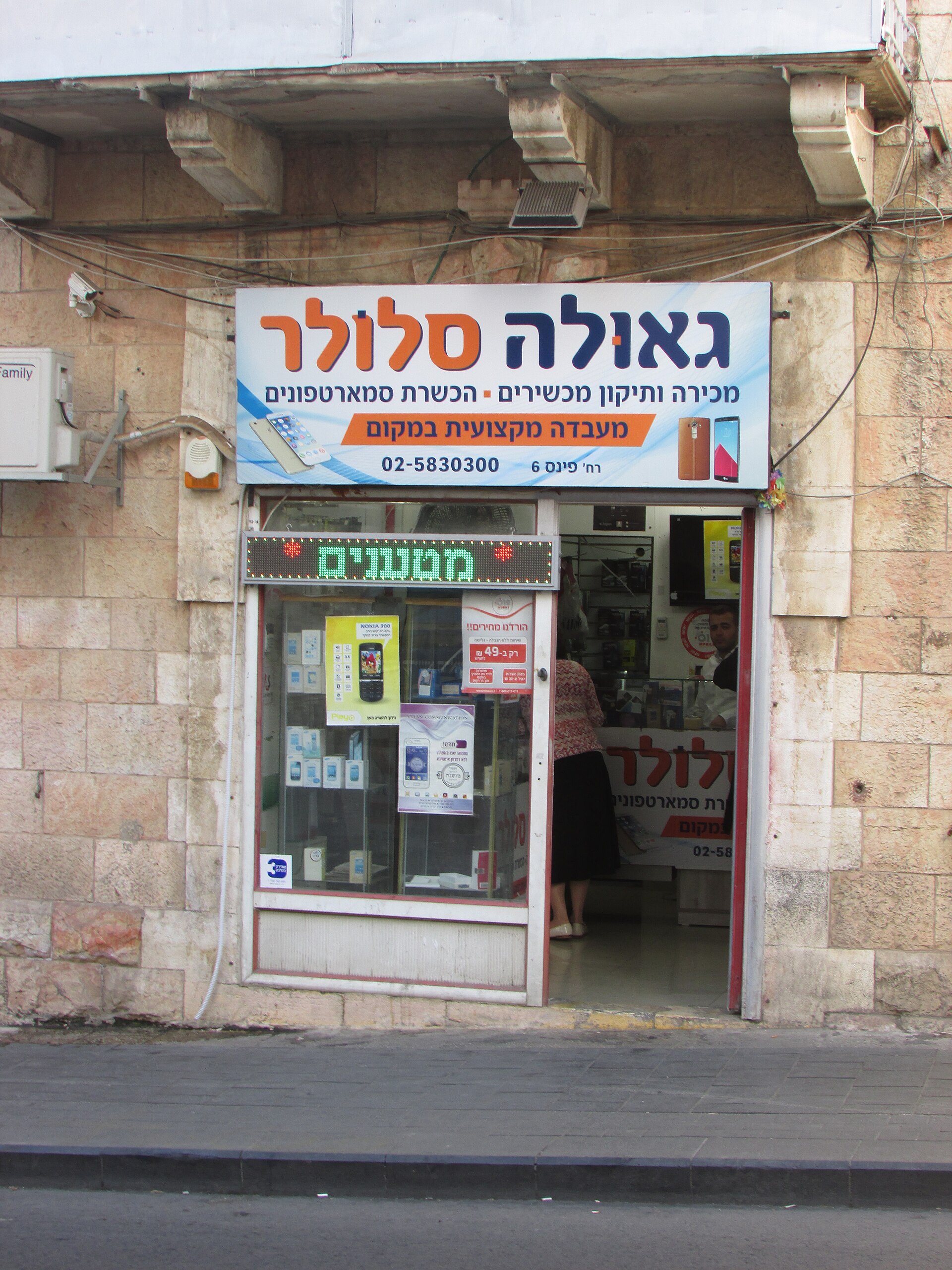
Where to Buy
- At the airport: SIM sellers may operate at Ben Gurion, which is convenient if you land at a reasonable hour, but compare the price with the same network’s plans in town. Check the Israel Airports Authority’s Ben Gurion pages for the current shops and their hours before you count on one at 3am.
- In Jerusalem: each network has branches in the city centre and in the big shopping centres. A network’s own branch is better than a small independent phone shop for a first SIM, because staff can register and activate the line on the spot.
- Take your passport, since shops may ask for ID when they register the line, and an unlocked phone.
Mind Shabbat
Most phone shops in West Jerusalem close for Shabbat, from Friday afternoon until Saturday evening, and on Jewish holidays. If you land on a Friday afternoon, you won’t be buying a SIM in the city until Saturday night at the earliest. That alone is a good reason to have an eSIM installed before you fly. Our guide to Shabbat in Jerusalem explains what else closes and what stays open.
Is a Local SIM Worth It?
For a one or two-week trip, usually not. The saving over a modest eSIM is small, and you trade it for a shop visit, possible queues and a day without data if you arrive at the wrong time. For a month or more, for students, for volunteers or for anyone who needs an Israeli number, it makes more sense, and the large monthly allowances suit heavy users.
Roaming on Your Home Plan
The simplest option is to do nothing and pay your carrier. How sensible that is depends on who your carrier is.
- Verizon TravelPass covers Israel at US$12 a day.
- AT&T International Day Pass costs US$12 a day, plus US$6 for each additional line used the same day, across 210-plus destinations.
- T-Mobile includes 5 GB or 15 GB of high-speed roaming data in 215-plus countries on some plans, depending on which plan you’re on.
Check your own carrier’s destination list for Israel before you rely on any of these, and check what it says about the West Bank: a carrier can include Israel and still treat a Palestinian network as a different destination. For UK networks (EE, Vodafone, Three, O2 and the rest), Israel sits outside the European roaming zones, so look up your network’s rate for Israel specifically before you go.
At US$12 a day, a week of roaming costs more than US$80, against well under US$20 for a fixed-data eSIM that would cover most people. Roaming wins on convenience, and on keeping your own number live for calls without a second line, but rarely on price.
Coverage in Jerusalem and on Day Trips
The Old City
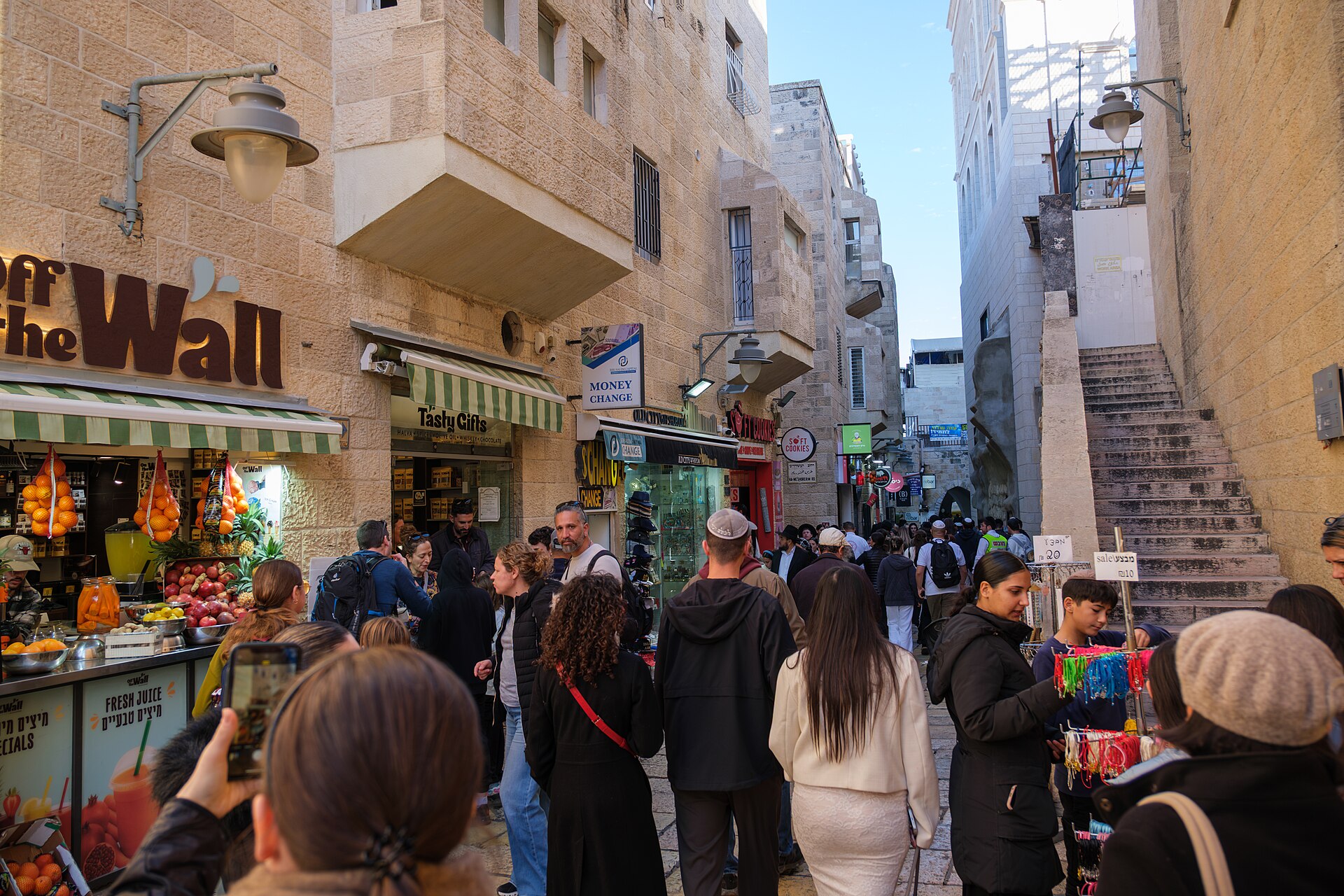
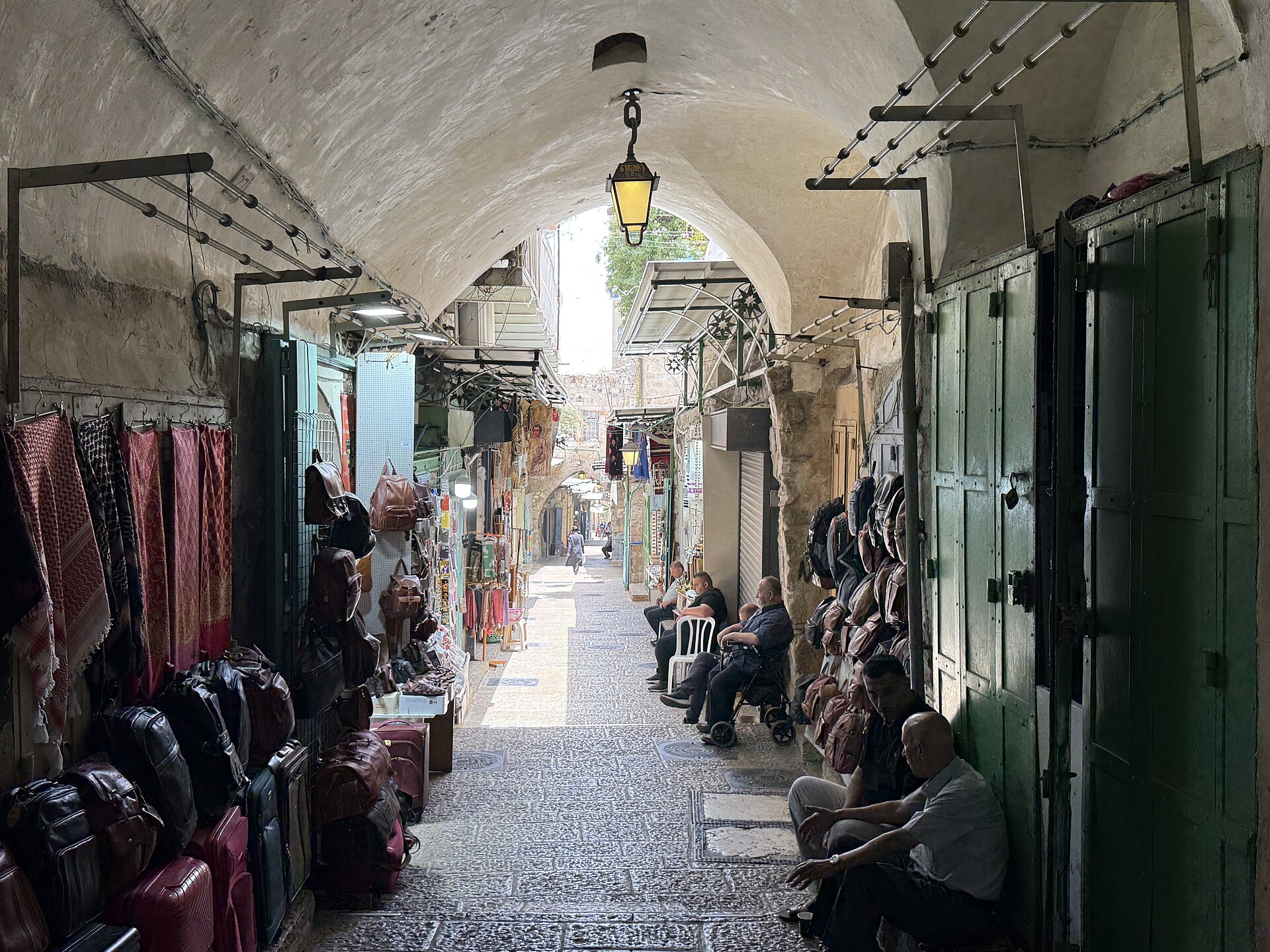
Be ready for patchy signal inside the walls, on any network and on any eSIM. The Old City is a maze of narrow lanes between thick stone buildings, many of them vaulted or roofed over, and phones that show full bars on Jaffa Road can drop to nothing in a covered market street fifty metres inside Jaffa Gate. It usually comes back as soon as you reach an open square or a rooftop. Practical advice: download the offline map for Jerusalem in Google Maps or Maps.me before you go in, screenshot any tickets or confirmations you’ll need at the entrance, and agree on a meeting point with your group rather than relying on calling each other. Our Old City guide has the layout of the quarters and gates.
Underground
Expect little or no signal underground. That includes the Western Wall Tunnels and the water channel of Hezekiah’s Tunnel in the City of David. If someone in your party is not coming on the tour, agree a time and place to meet before you go down.
West Jerusalem and the Light Rail
Coverage in the modern city is what you’d expect from a large city: strong along Jaffa Road, in the centre, at Mahane Yehuda and in the residential neighbourhoods. You’ll use data constantly here for journey planning and payments on the Jerusalem Light Rail.
Bethlehem, Jericho and the West Bank
The West Bank has its own Palestinian mobile networks, Jawwal and Ooredoo Palestine. Israeli networks also reach many areas, but near and beyond the separation barrier your phone may pick up a Palestinian network instead. For a travel eSIM or home-carrier roaming that can mean the connection drops, slows or is billed at a different rate, depending on whether the plan covers Palestine as well as Israel. Check your eSIM or roaming plan’s coverage list for Palestine before a day trip to Bethlehem or Jericho, and if you’re on pricey roaming, set your phone to choose the network manually rather than automatically.
The Dead Sea, the Jordan Valley and Eilat
Along the Dead Sea and the Jordan Valley, and in Eilat at the southern tip, Jordan is just across the water or the border, and phones on automatic network selection sometimes latch onto a Jordanian network. On a home plan that can mean charges at a different country’s rate without you noticing. Manual network selection solves it. Coverage on the main road down to Masada and the Dead Sea is generally fine, but it thins out on desert trails away from the road, so carry water and an offline map rather than relying on calling for help. If you’re heading over to Jordan itself, our guide to the Jordan border crossings covers the practicalities, and a regional plan saves you buying a second eSIM.
Wi-Fi in Jerusalem
Hotels, hostels and guesthouses almost all offer free Wi-Fi, as do most cafés, where you’ll usually find the password on the receipt or a sign by the counter. It’s good for big downloads, video calls home and updating apps. It’s no substitute for mobile data when you’re standing at a junction trying to work out which way the Damascus Gate is.
The usual cautions apply on any public network: avoid banking on open café Wi-Fi, and switch off automatic connection to unknown networks. Keeping your eSIM’s data on as a fallback means you’re rarely forced onto a dubious hotspot.
How Much Data Do You Need?
Less than most people buy. A typical sightseeing day uses data for maps and navigation, a transit app, messaging, a little browsing and posting photos. For most visitors that adds up to a few hundred megabytes a day, so:
- Light use (maps, messages, the odd search): 3 to 5 GB covers a week.
- Normal use (plus social media and photo uploads): 5 to 10 GB a week.
- Heavy use (video calls on mobile data, streaming, tethering a laptop): consider 20 GB or an unlimited plan.
The biggest drains are automatic photo backups and app updates. Set both to Wi-Fi only before you leave home and a modest plan will last much longer. Most eSIM apps let you top up from your phone if you run low, so it’s reasonable to start small.
Useful Apps and Numbers
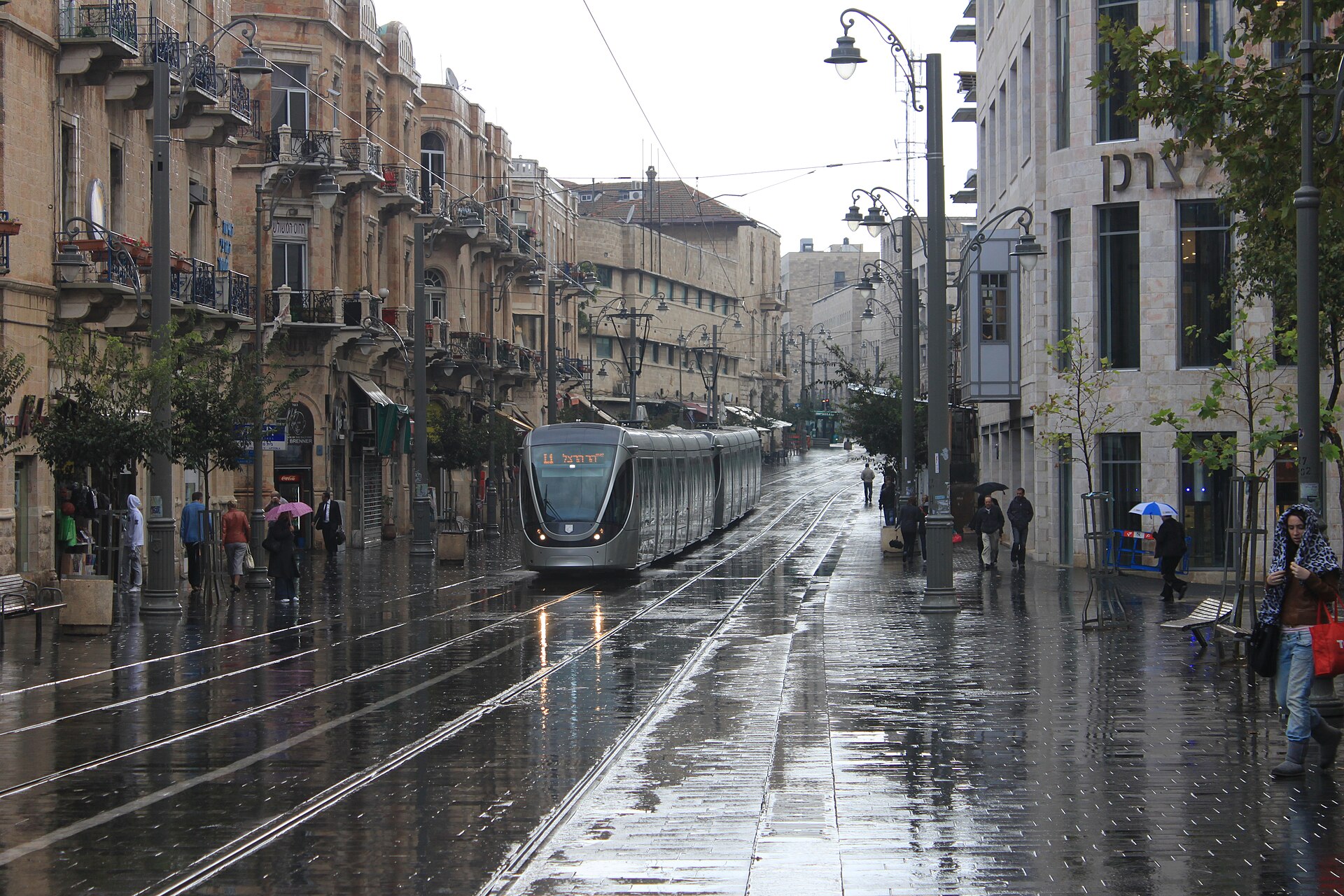
- Moovit: a widely used journey planner for buses and the light rail in Israel. See our guide to getting around Jerusalem for how the system fits together.
- Rav-Kav Online: the app and website for loading the Rav-Kav public transport card, including single rides and daily passes. A typical ride inside the city costs ₪8 and a daily pass for travel inside the city ₪17.50, excluding trains; check current fares on Rav-Kav Online.
- Gett and Yango: the taxi apps Israel’s Ministry of Tourism points visitors to, and the way to order an official taxi at Ben Gurion as well. Our airport transfer guide compares taxis, the train and shared shuttles.
- WhatsApp: the default for talking to guides, drivers and guesthouses.
- Emergency numbers: police 100, ambulance (Magen David Adom) 101, fire 102. They work from any phone, including one with a foreign SIM.
Before You Fly: A Checklist
- Check your phone is eSIM-capable and unlocked; ask your carrier to unlock it if not.
- Buy and install the eSIM at home on Wi-Fi. Label it “Israel” in your settings so you can tell the lines apart.
- Decide what your home SIM does abroad: data roaming off is the safe default.
- Download offline maps for Jerusalem and anywhere else you’re going.
- Set photo backup and app updates to Wi-Fi only.
- Save your accommodation’s address and phone number somewhere you can see it offline.
For the rest of the pre-trip admin, our pages on Israel entry requirements, money and payments in Israel and what to pack cover the other things worth sorting before you land.
Final Word on Staying Connected in Israel
For most visitors the decision is quick: check your phone takes an eSIM, buy a modest data plan, install it at home and forget about it until you land. Save the local SIM for long stays and the roaming pass for when cost really doesn’t matter. Then accept that the Old City will drop your signal now and again, and plan around it. For everything else on the practical side, start with our Jerusalem travel tips and our guide for first-time visitors; if you’re still weighing the trip, our pages on safety in Jerusalem and what a trip costs will help.
Photo Credits
A phone shop in Geula, Jerusalem: Shop7303 by יעקב, CC BY-SA 4.0, via Wikimedia Commons.
A covered lane in the Old City market: 132790 jerusalem – the alleys of the old city PikiWiki Israel by שלמה רודד, CC BY 2.5, via Wikimedia Commons.
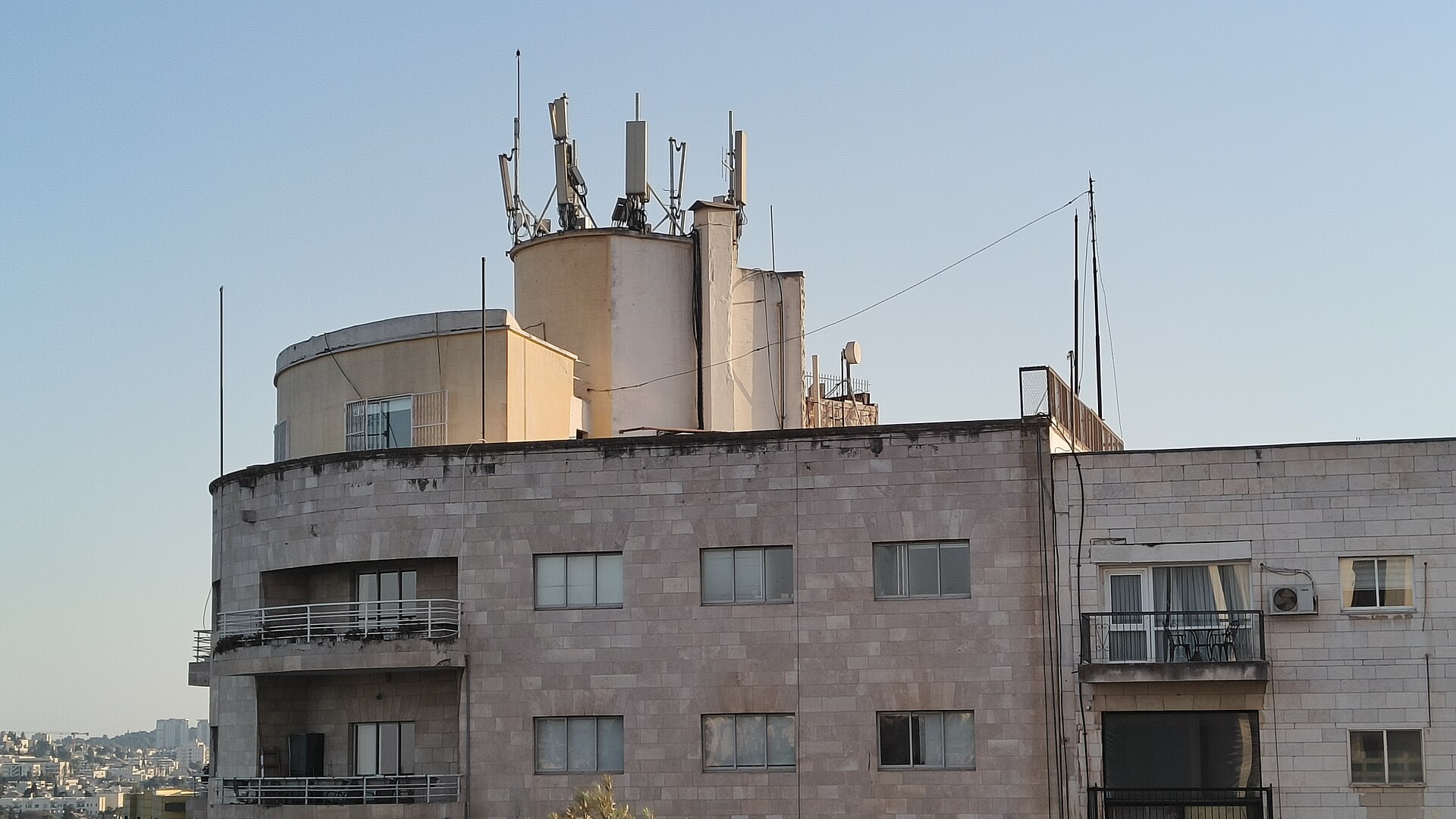
A rooftop antenna site in Jerusalem: Cellular antenna site, Jerusalem by Danielrosehill, CC BY 4.0, via Wikimedia Commons.